Find Your Way Around Nuzzo on Your Phone
The bottom bar for your day, your menu behind your initial in the corner, and every Settings page a swipe away.
Transcript
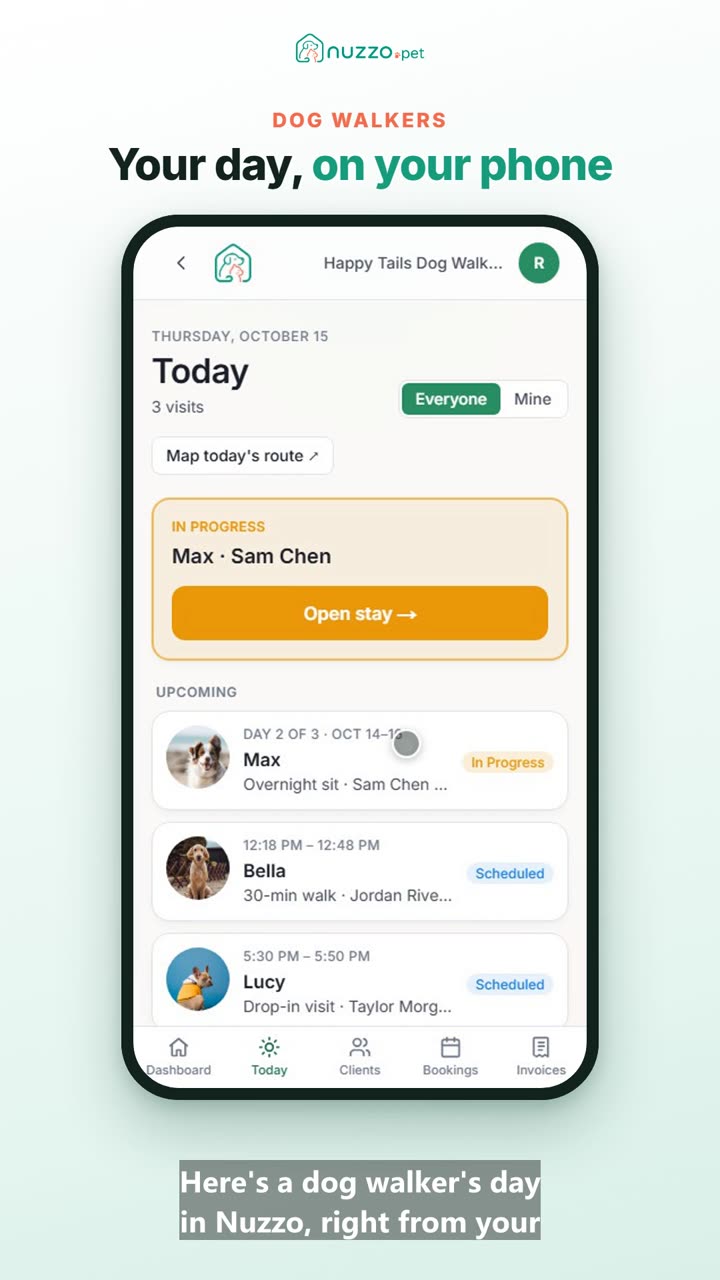
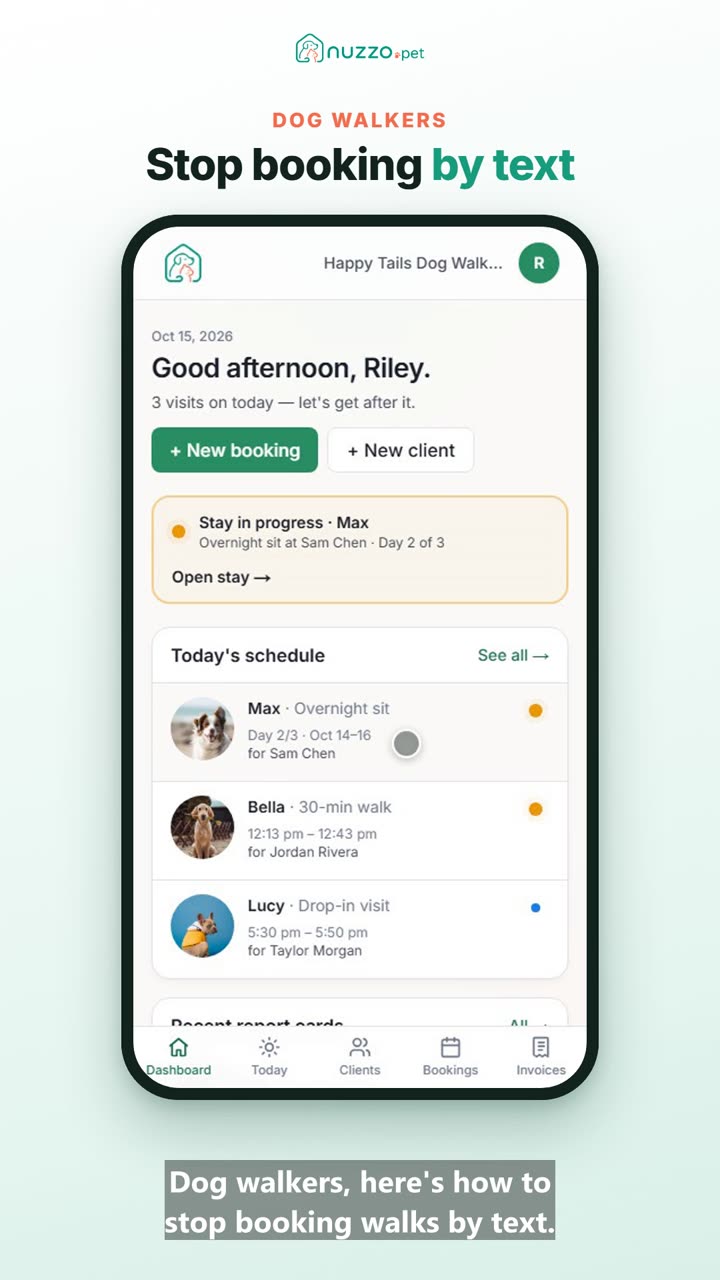
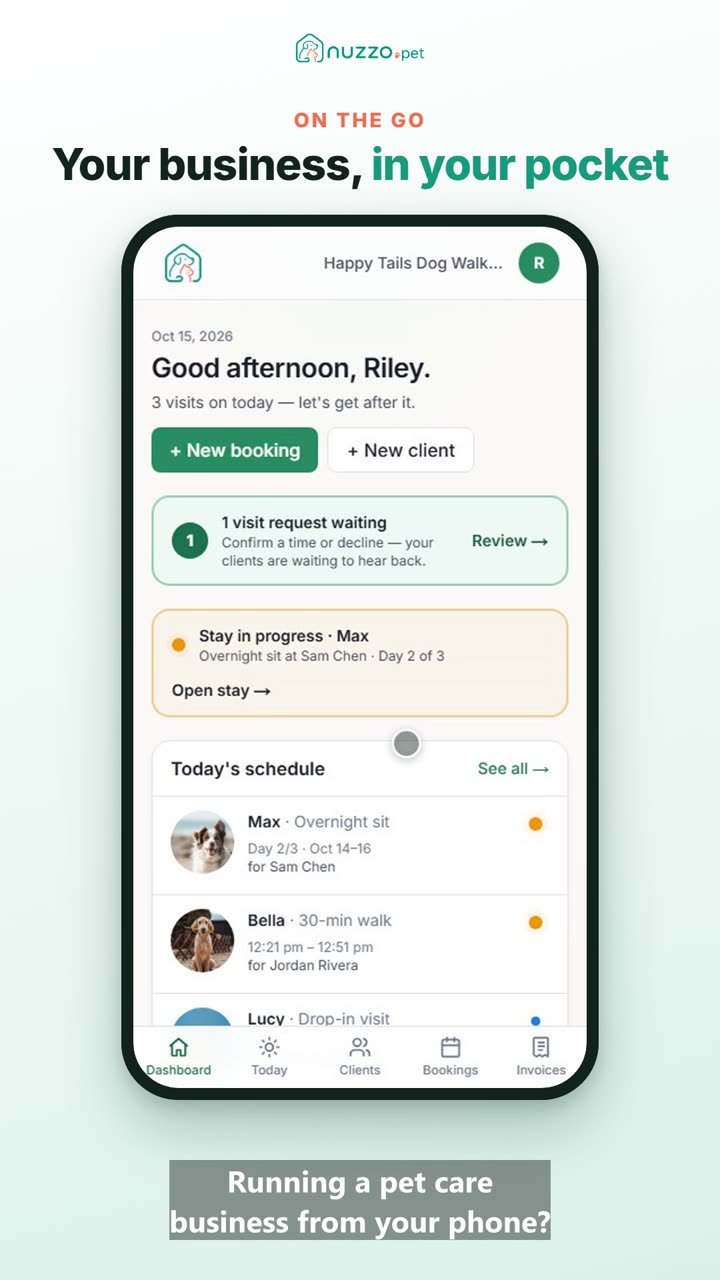
Here's how to find your way around Nuzzo on your phone. The bar at the bottom takes you to everything you use each day: Today, Clients, Bookings and Invoices. For everything else, tap your initial up in the corner. That opens your menu. Here you'll find Settings, our how-to videos, and Sign out. Tap Settings. Settings has a page for each part of your business. Swipe the tabs sideways to see them all. Tap one to open it, like Services, where you set your prices. And the bottom bar takes you straight back to your day.