How to Set Up Online Booking for Your Pet Care Business
Set your weekly hours, share your booking link, and confirm requests in one tap. Clients pick a service and a time that works for you.
Transcript
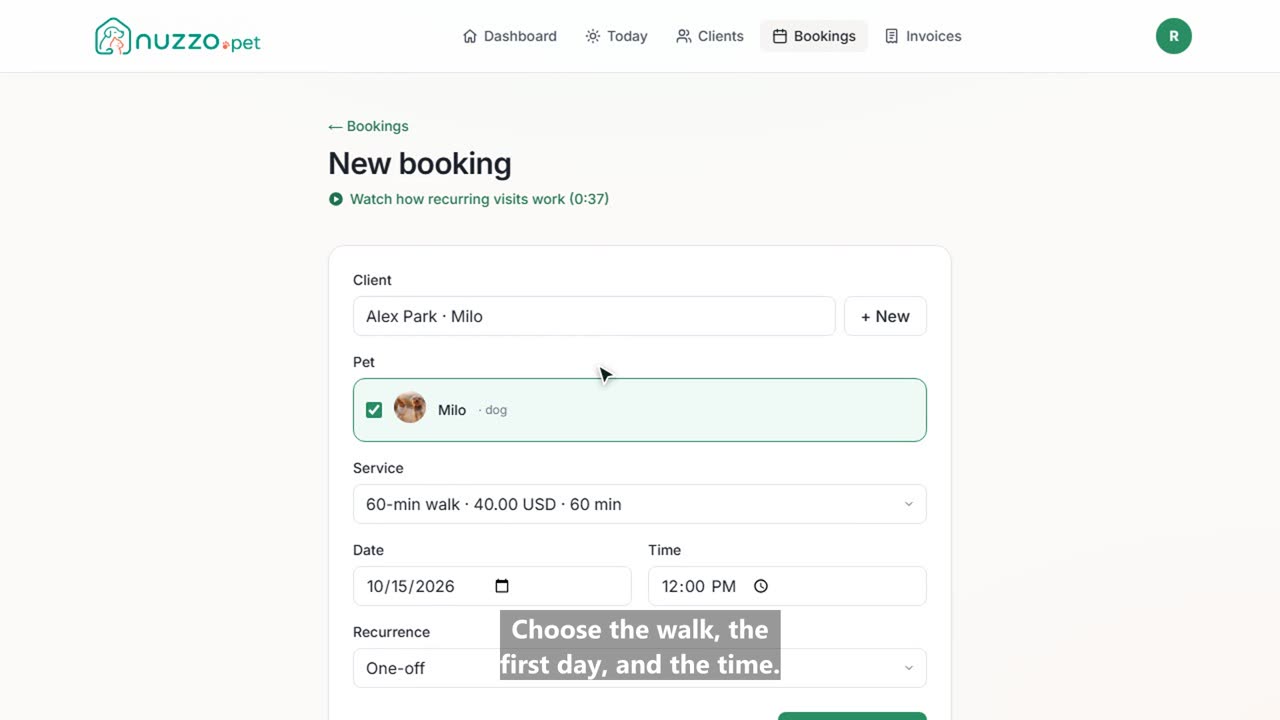
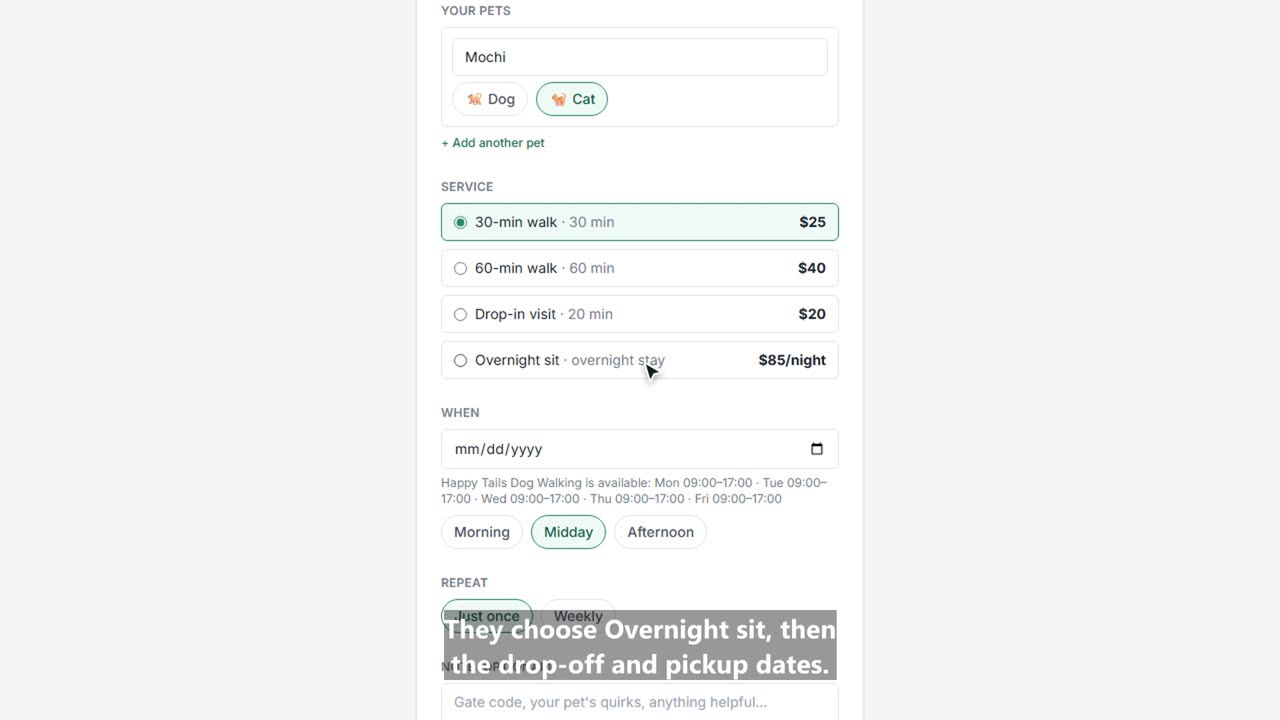
Here's how to let clients book dog walks online with Nuzzo. It takes about a minute. Open the account menu, then Settings, then Availability. First, turn on the days you walk dogs. Each day starts at nine to five, and you can change the hours or add a second block. Save your weekly hours. Clients can only request times inside these hours. Further down is your booking page. Copy the link and text it to clients, or put it in your Instagram bio, your Facebook page, or your website. Here's what your clients see. A new client enters their name, email, and their dog's name. Then they pick a walk, a day, and a rough time of day. And send the request. Back in Nuzzo, the request is waiting under Bookings, Requests. You can see it's a new client, which dog, and when they'd like the walk. Click Confirm, pin the exact time, and confirm the visit. That's it. Cooper's walk is on your schedule, and you skipped the back and forth texts.