How to Send a Dog Walk Report Card With Photos
Start the walk, add photos and a quick note, and send the client a report card when you finish. They get it by email and in their portal.
Transcript
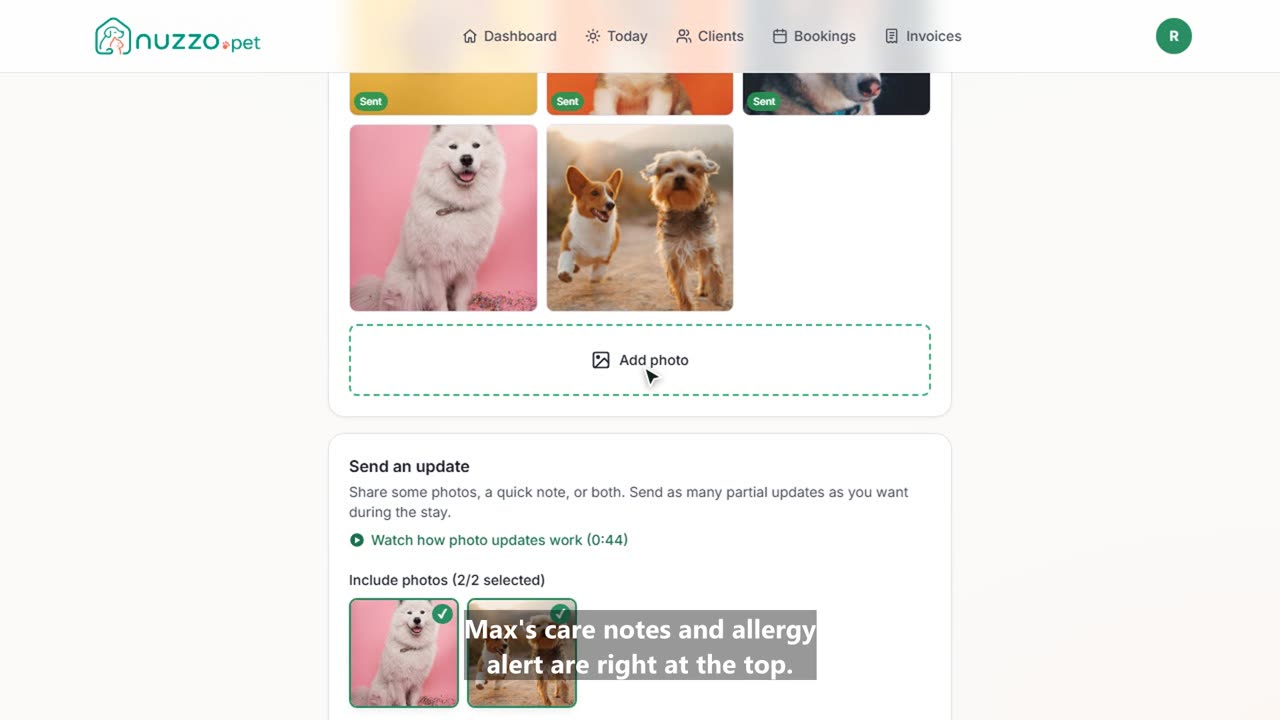
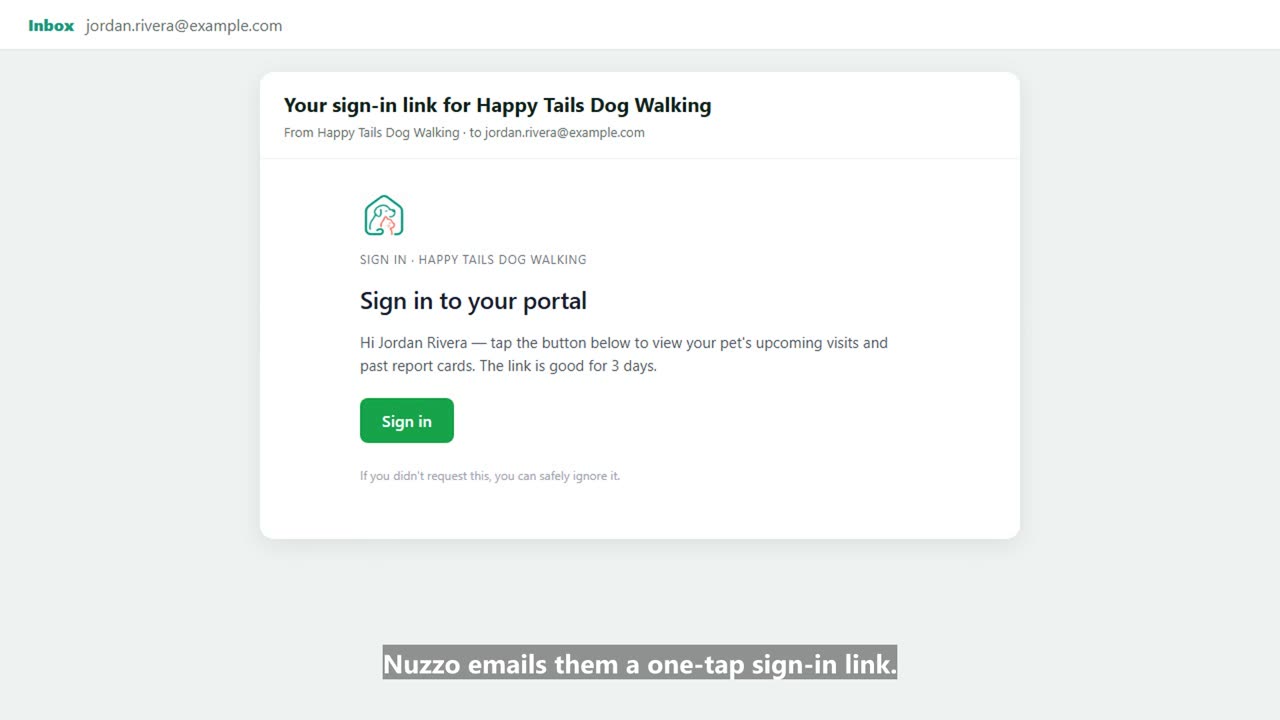
Here's how to send a photo report card after a dog walk in Nuzzo. Your Today list shows every visit. Open the walk you're on. Bella's feeding, medical and behavior notes are right here. When you arrive, tap Start visit. During the walk, add photos straight from your phone. When you're done, write a quick note. Tap the chips to add common notes in one tap. Then tap End visit and send report card. Jordan gets it by email, with your photos and note, and it's saved in their client portal too. Every report card stays on the visit and in your report card history, so you always have a record.