Send Photo Updates During a Pet Sitting Stay
Send owners photos and a note during an overnight stay, as often as you like.
Transcript
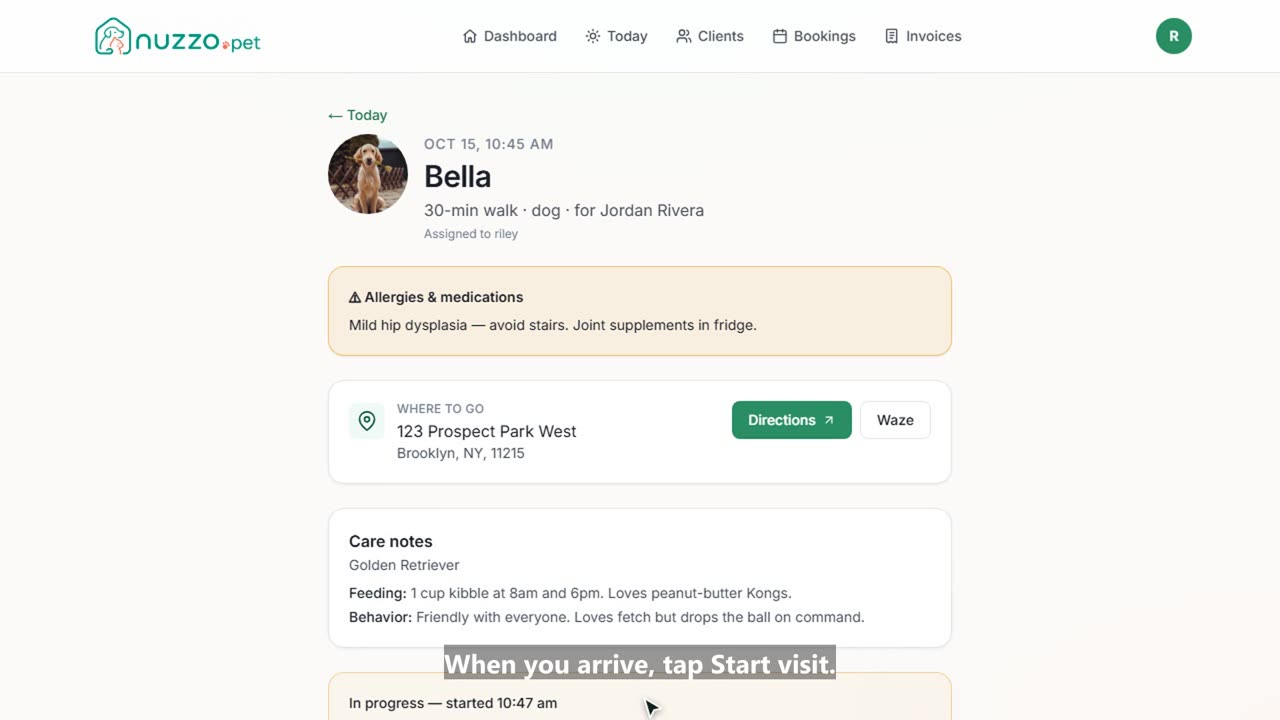
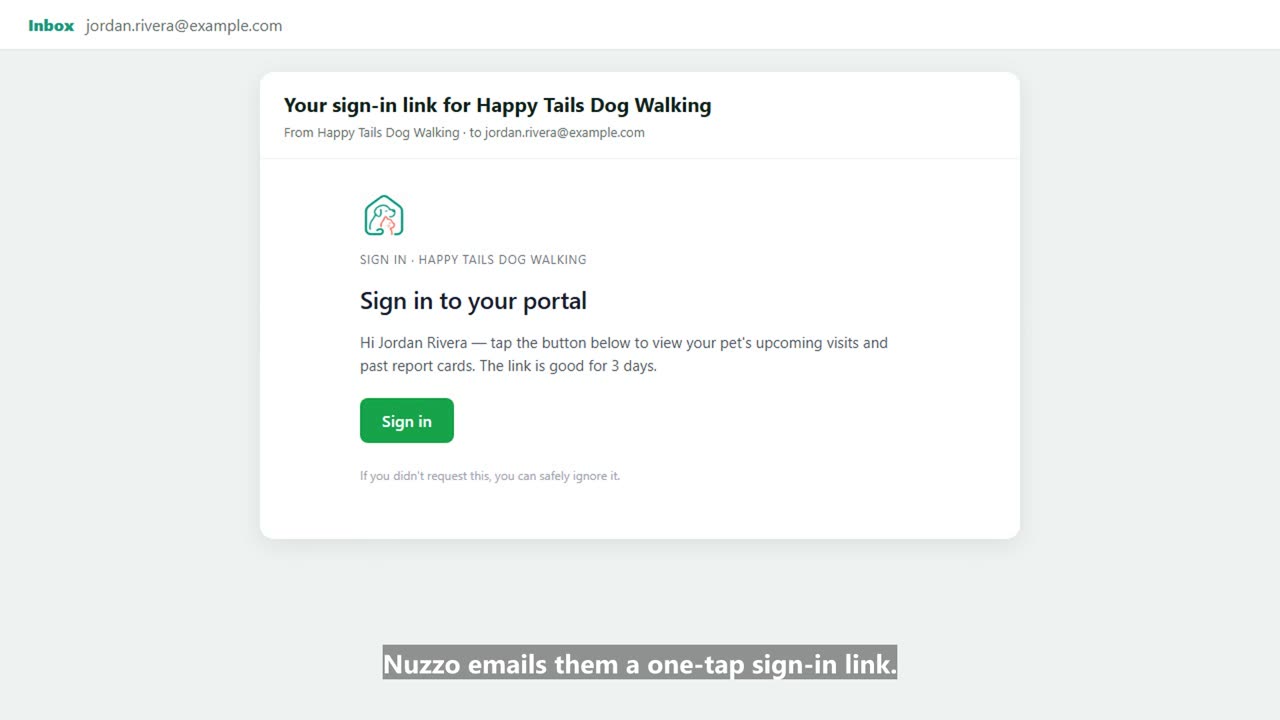
During an overnight stay, owners love hearing how their pet is doing. Here's how to send photo updates in Nuzzo. Open the stay from your Today list. Max's care notes and allergy alert are right at the top. Snap a photo and add it to the stay. In Send an update, pick the photos to include and add a quick note. Send it. Sam gets the photos and your note by email right away. Send as many updates as you like during the stay. Every update is saved on the stay, and when it ends, you send one final report card.