How to Make a Custom Invoice (Extra Charges, Tips, Partial Payments)
Pick the visits to bill, add a fee like key pickup, add a note, send it, add a tip, and record a partial payment.
Transcript
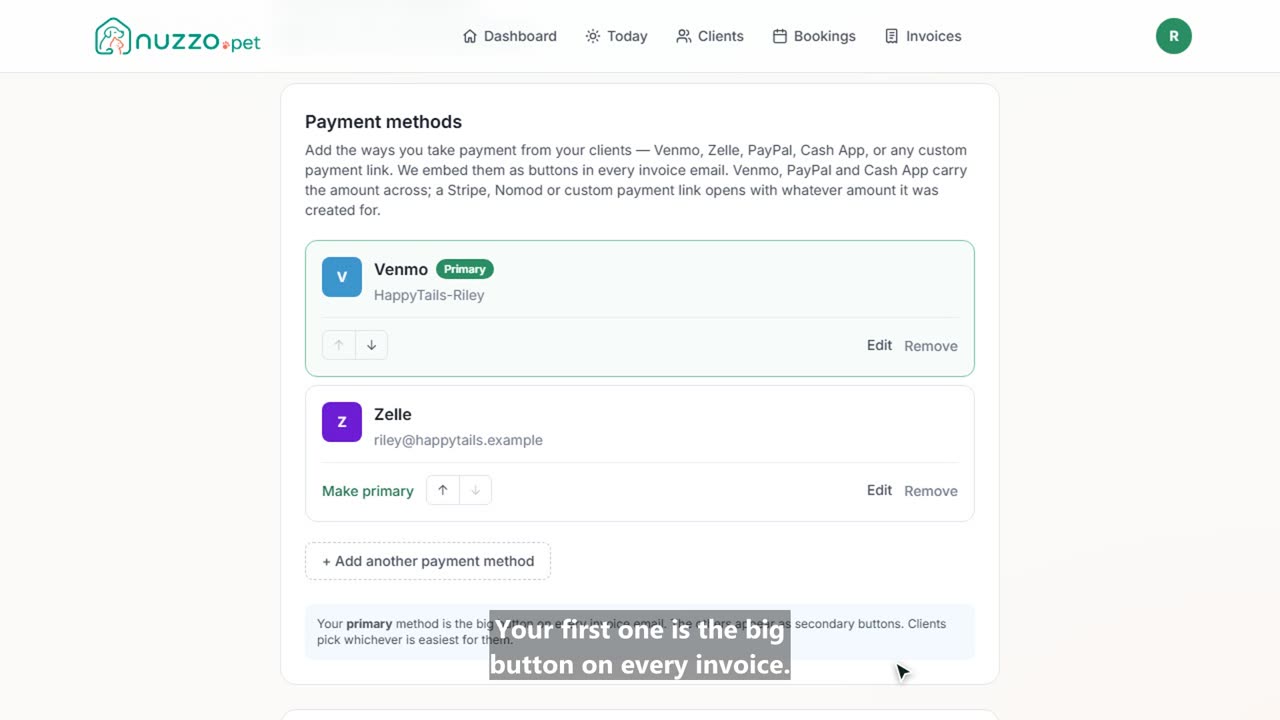
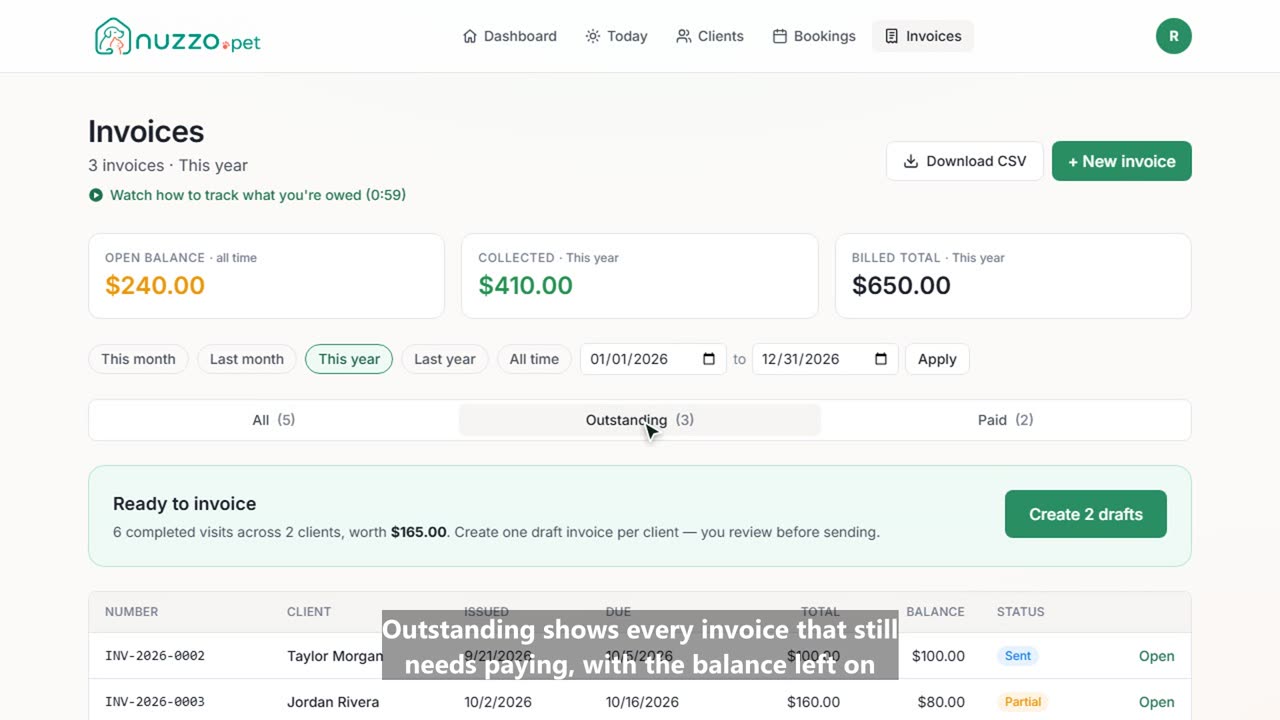
Sometimes you need more than the one-click invoice. Here's how to build one by hand in Nuzzo, with extra charges, tips, and partial payments. On Invoices, click New invoice and choose the client. Nuzzo lists their completed visits that haven't been billed yet. Tick the ones to include. Then add anything else, like a key pickup fee, with a quantity and a price. Add a note for the client, check the total, and create the draft. Here's the invoice with every line. When it looks right, send it, and Jordan gets an email with buttons to pay you. If a client gives you a tip, add it here and it goes on the invoice. Clients can also add their own tip from the invoice link. Paid part of it? Record what came in. Here, half by Venmo. The invoice is now marked partial, with the balance still due. Record the rest when it arrives, and it's marked paid.