How to Invoice Pet Care Clients (Venmo, Zelle, PayPal, Cash App)
Add how you get paid, turn completed visits into invoices, send them, and record payments when the money arrives.
Transcript
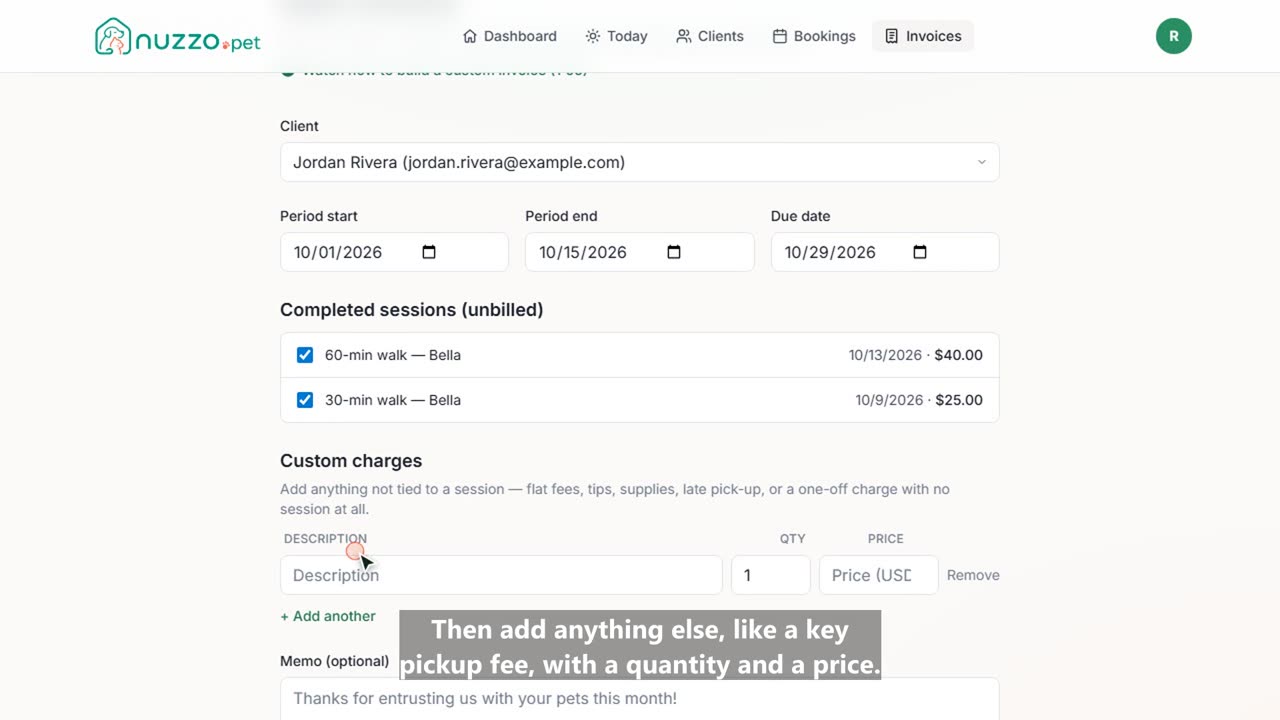
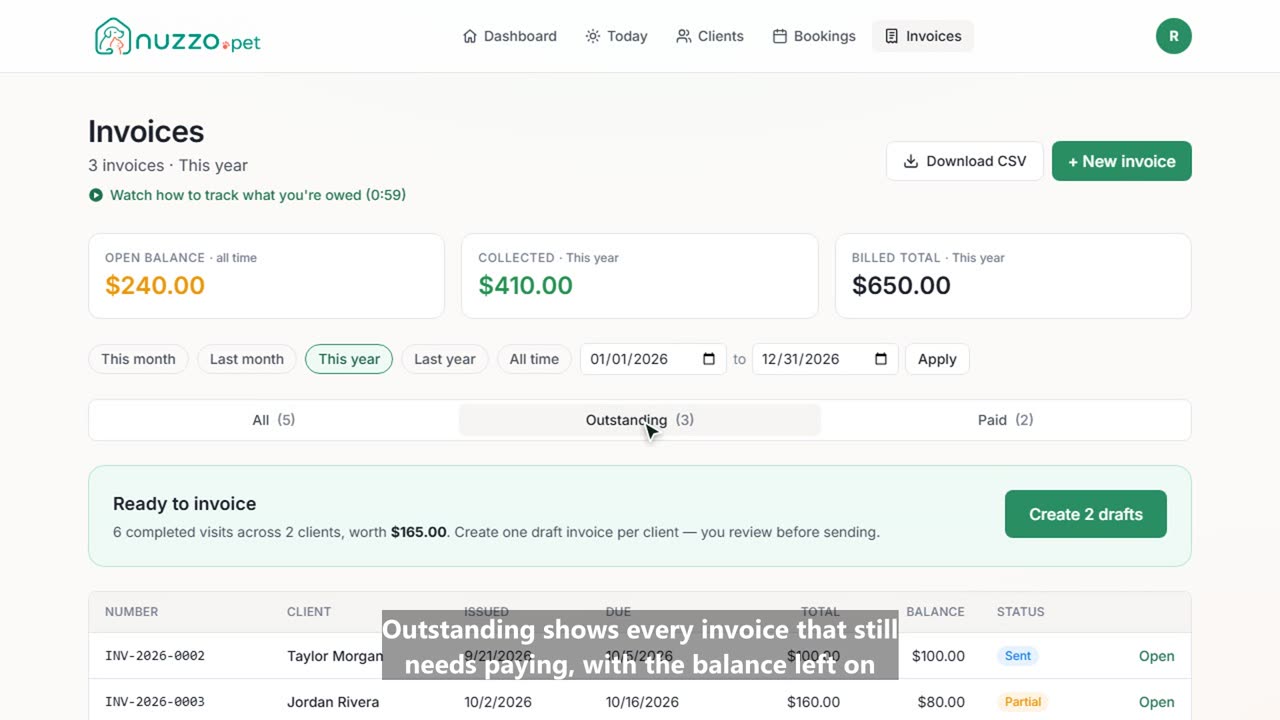
Here's how to invoice your pet care clients in Nuzzo, and get paid with the apps they already use. First, in Settings, Payment collection, add how you get paid. Pick Venmo and enter your username. Add as many as you like, like Zelle, PayPal, or Cash App. Your first one is the big button on every invoice. Now open Invoices. Nuzzo shows the completed visits you haven't billed yet. Create a draft for every client in one click. Open a draft to check it. Every visit is listed with its date and price. Looks good? Send the invoice. Jordan gets an email with one-tap buttons to pay you. Venmo, PayPal and Cash App even open with the amount filled in. When the money arrives, record the payment, and the invoice is marked paid. Cash and checks work the same way. Your Invoices page keeps track of what's open, what's paid, and what you've billed this year.