How to Set Up Your Pet Care Business in Nuzzo
Sign up, add your business basics, price your services, choose how you get paid, add your first client, and book your first visit.
Transcript
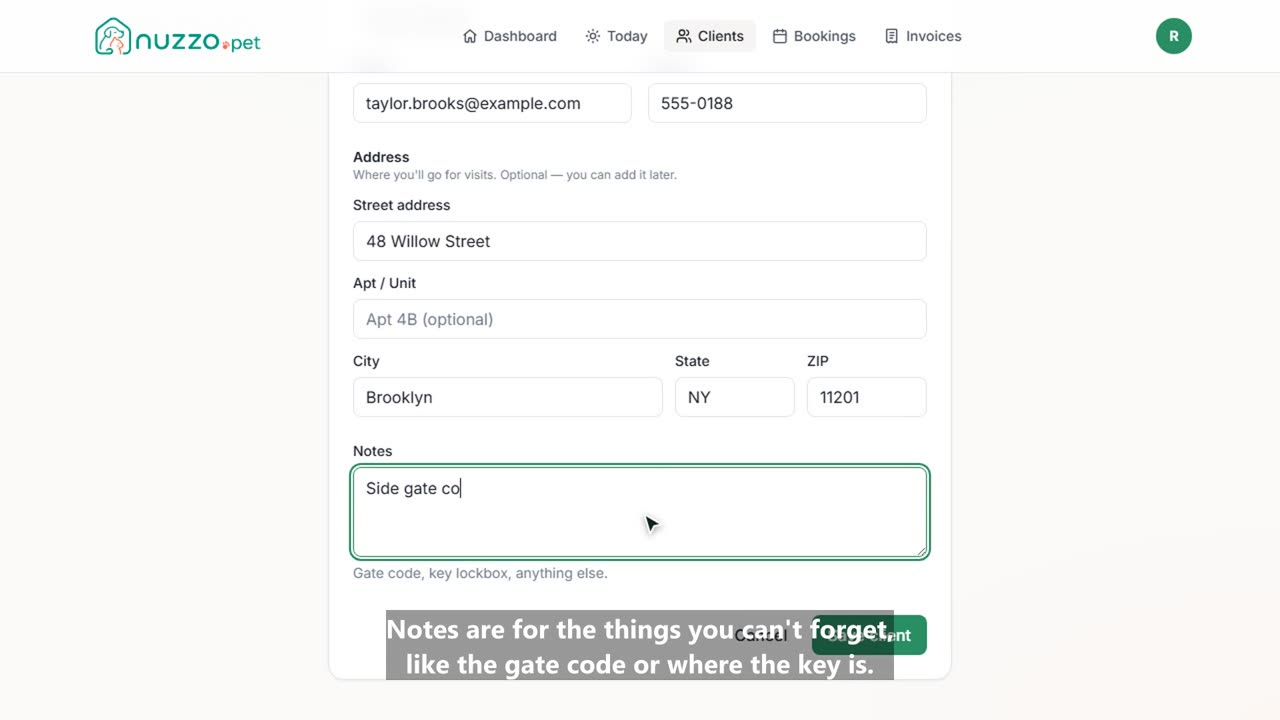
Here's how to set up your pet care business in Nuzzo, from sign up to your first booked visit. It only takes a few minutes. Create your account with your name, email, and a password. Your 14-day free trial starts right away, and there's no credit card required. Step one is your business basics. Enter your business name, and tick everything you offer: dog walking, pet sitting, boarding, or grooming. Check your timezone and currency, then continue. Step two: price your services. Nuzzo starts you with a catalog based on what you offer. Change any price, or untick anything you don't do. You can also add your own. Here's a puppy visit: 20 minutes for $22. Happy with your prices? Continue. Step three is how you get paid. Every invoice can include one-tap buttons for Venmo, Zelle, PayPal, or Cash App. Set them up now, or any time later in Settings. Step four: add your first client and their pet. Just a name is enough to start, and an email lets them get your report cards. Save, and you're all set. Now book your first visit. Pick the client and pet, the service, a day and a time. Want it every week? Choose weekly and pick the days, and Nuzzo fills in the next eight weeks for you. Create the booking, and it's on your schedule. That's your business set up. Next, set your weekly hours and share your booking link so clients can request visits themselves. We have a separate video for that.