A Tour of Nuzzo Settings (and How to Find Them)
Where Settings lives and what every page does: business profile, services, availability, peak dates, agreement, subscription, team, notifications, and payment collection.
Transcript
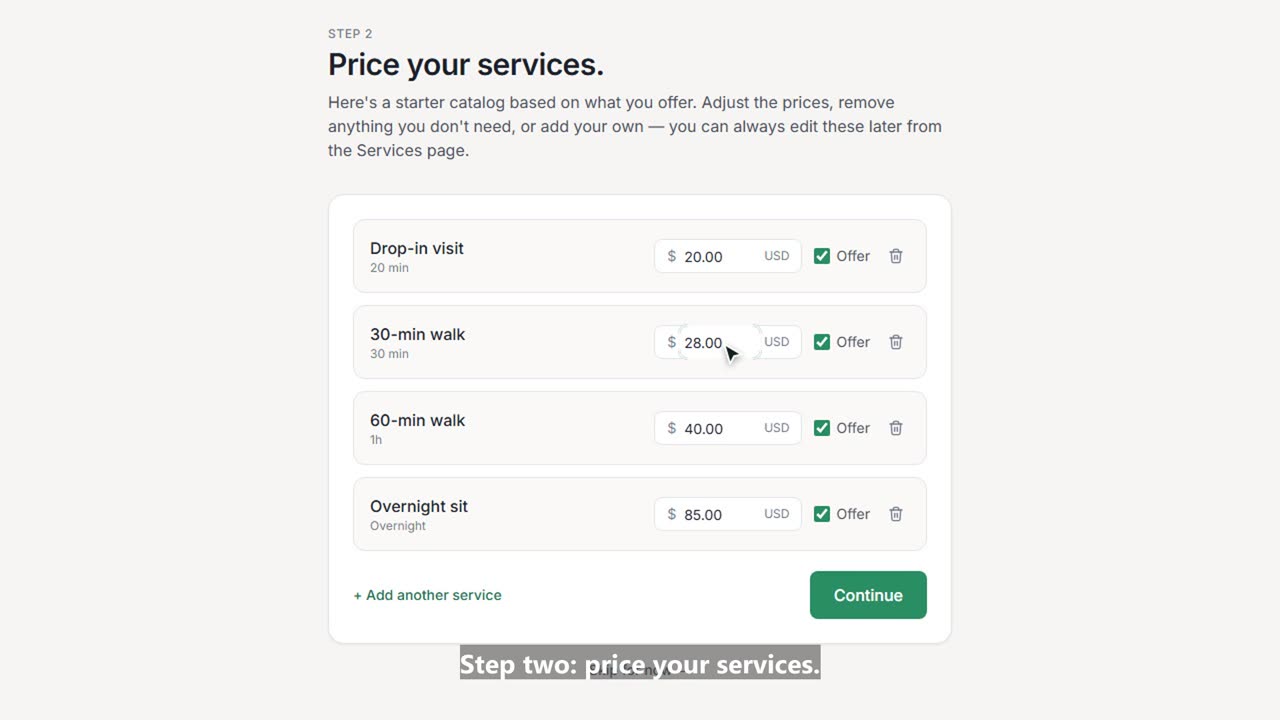
Settings is where you shape Nuzzo around your business. Here's a quick tour of every page, starting with how to get there. Click your initial in the top right corner, then Settings. On your phone, it's the same menu. Business profile holds your business name, support email, timezone and currency. Clients see these on your emails, invoices, and client portal. Further down: a reminder when a pet has no vaccination records before an overnight stay, draft invoices made for you every Sunday, and your logo. Auto-invoices and your logo come with the Team plan. Services is your price list. Add a new service, change a price, or hide one you don't offer anymore. Availability sets the hours clients can request visits, blocks off time away, and gives you your booking link to share. Peak dates adds an extra charge per night over Christmas, New Year's, or any busy week. That's part of the Team plan. Agreement is the service agreement or release your clients sign online, once. Subscription shows your plan and your free trial, and it's where you subscribe or change plans. Team is where you invite your walkers and sitters. On the Team plan you can add up to five. Workers see their own visits, and admins get everything except billing. Notifications turns on push alerts for booking requests and payments on this device, and shows you how to install Nuzzo on your phone. And Payment collection adds your Venmo, Zelle, PayPal, or Cash App, so every invoice has one-tap buttons to pay you. That's every Settings page. We have short videos on most of them, linked below.